English
Appearance
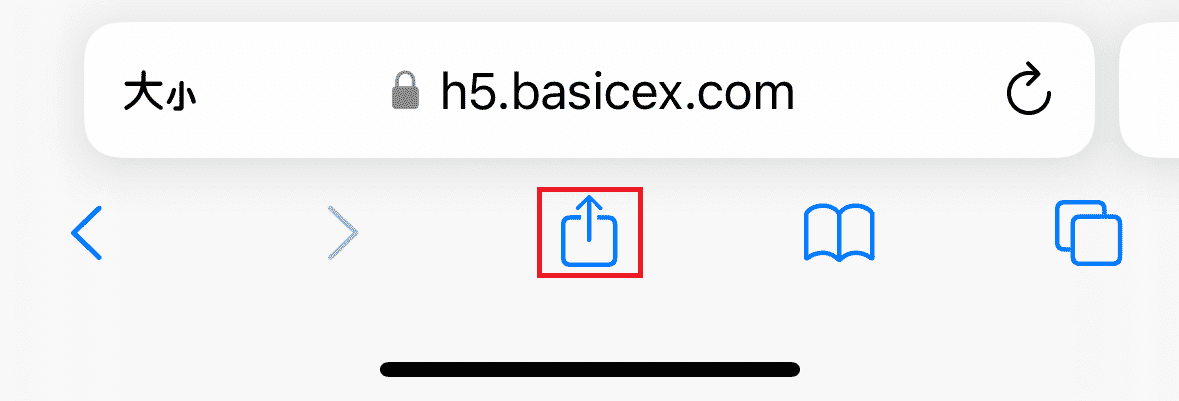
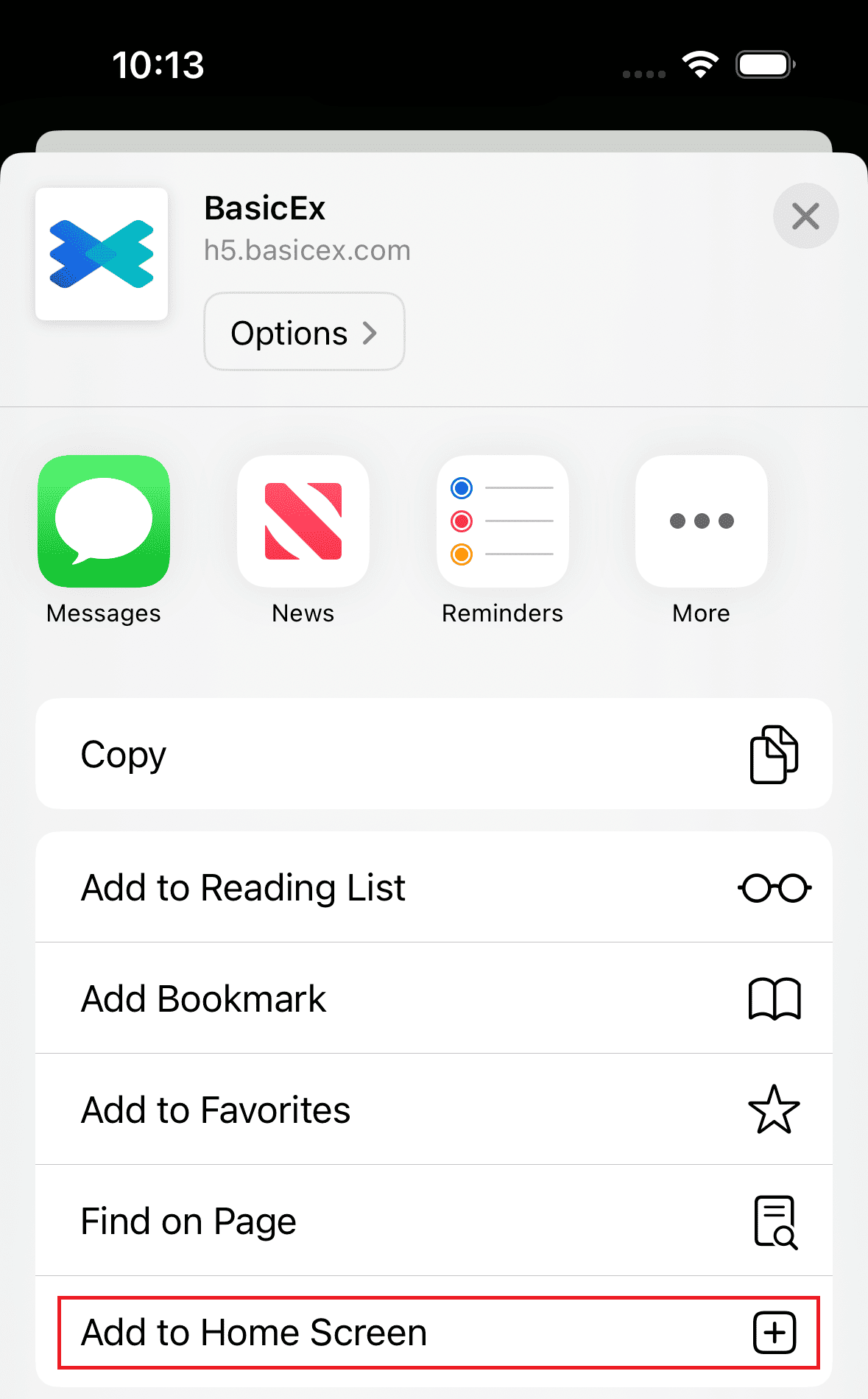
Instructions: Swipe up in the dialog box, find "Add to Home Screen," and tap it.
You will see the BasicEx icon on your phone's home screen, which you can click to enter the H5 page.